Equipment
Find a weapon that fits your run
The creator lists 50+ weapons in seven categories. Compare the options you can access using the same map, settings and time window.
Weapons named by the creator
The official description checked October 11, 2026 advertises more than 50 weapons across seven categories. The names below are examples the creator specifically mentions, organized here for easy reading. These reading groups are not the game’s category labels.
| Reading group | Named examples |
|---|---|
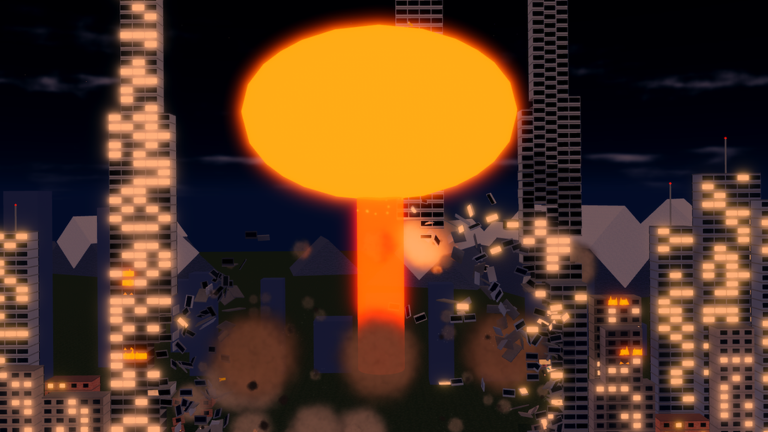
| Explosions and beams | Missiles, nukes, orbital lasers |
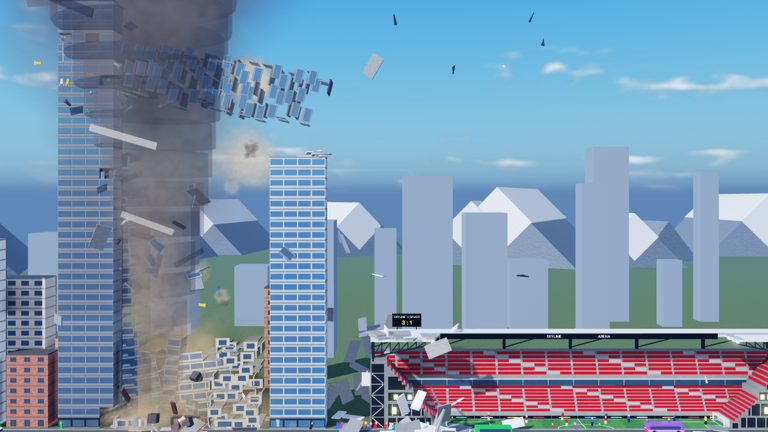
| Natural forces and space | Tornadoes, tsunamis, meteors, black holes |
| Creatures and unusual objects | Giant ape, sand worm, UFOs, wrecking ball, Tetris blocks |
Use the names to identify something you want to try in your equipment menu. Check the option’s displayed requirements and price before deciding whether to unlock it.
A useful alternative to a fixed tier list
For your own play, the useful question is which available weapon completes your goal better. Our recommended comparison measures both elapsed time and Coins. A weapon that looks larger can still take longer to aim, run or finish a particular target.
- Choose one map and a time window you can repeat.
- Record the weapon, any slider settings and your starting Coin balance.
- Play for that window without purchases or code claims changing the balance.
- Record the ending balance, destruction progress and elapsed minutes.
- Repeat with the other weapon under similar conditions.
Divide the net Coin gain by elapsed minutes for a rate. Repeat each option several times if the results are close. A single test is a note about that session, not a universal ranking.
The run comparison tool calculates the two earning rates from your inputs. If the goal is a particular destruction threshold rather than Coins, use time to that threshold as your comparison instead.
Keep the settings fair
The developer mentions blast size, missile count and storm duration sliders. Record their values when comparing results. Changing both the weapon and its settings at once makes it difficult to explain why one run performed differently.
Try a small set of controlled comparisons: one weapon with two settings, then another weapon on the same map. Use comparable starting progress and note whether friends were also destroying buildings. Keep device conditions similar, too.
Include aiming, waiting and cleanup in the timer. If a weapon produces a long effect, stopping the clock after the first impact hides some of the time your session actually uses.
Decide whether to buy or keep saving
Start with the price shown in your game, your current balance and a goal. If you want more variety, an effect you enjoy can be a reasonable purchase. If you want a higher earning rate, use the timed comparison to evaluate a choice you can try.
For a weapon that you cannot yet access, calculate the saving gap before committing your balance elsewhere. This keeps an exciting new item from obscuring the cost of the map or weapon you originally wanted.
Use the unlock planner to estimate time at your measured earning rate. Treat the result as arithmetic for your inputs; changing maps, settings or player activity can change the rate.
Official source
Game identity, creator-listed features and code checked October 11, 2026. View Smash the City on Roblox or visit Kabooom Crew.
Questions, answered
Which weapons does the creator name?
The official description names missiles, nukes, tornadoes, tsunamis, meteors, black holes, orbital lasers, a giant ape, a sand worm, UFOs, a wrecking ball and Tetris blocks.
How do I choose the best weapon for Coins?
Compare two timed runs on the same map under similar conditions. Divide net Coins earned by minutes played, then compare the measured rates.
Can weapon effects be adjusted?
The creator describes sliders for larger blasts, more missiles and longer storms. Compare one adjustment at a time.